How To Make A Digital Planner You Can Sell On Repeat
So you want to get into digital planners? You're in the right place. In this masterclass, I'll show you exactly how to make a reusable digital planner template in Canva. One you can easily customize over and over to create multiple planners to sell in your own store.
You'll learn the full process step-by-step" from choosing your page layouts and hyperlinking tabs, to exporting your finished planner so it's ready for Goodnotes, Notability, or any digital planning apps. Plus, I'll share some unconventional methods you can use to monetize your digital planners.
If you've ever wanted a simple, no-design-skill-needed way to create digital planners that sell, this is for you., By the end, you'll be able to make a finished template with confidence to start selling on repeat.
Open Canva, follow along, and let's create your first planner template!
Quick note: this class can may be fast-pace if you're new to Canva, so I'll be available live for office hours on Sunday (Be on the lookout for an email with the link to join) so you can get a response (or even click-by-click demo) to your questions.
Notes to Remember
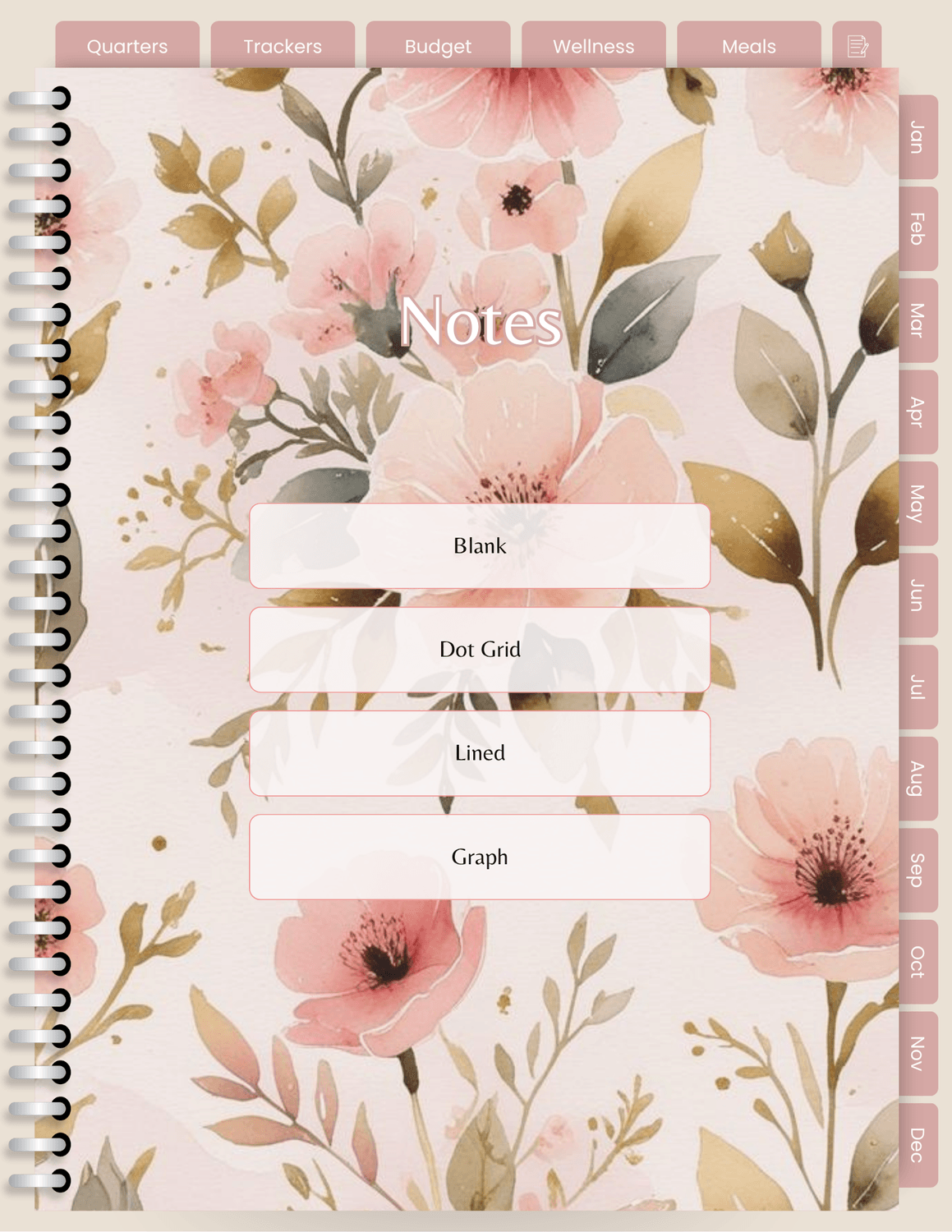
When you're creating your digital planner, take some time and layout your pages and page content before you jump into Canva to design. Products that sell in the long term (for more than pennies) are made with intention not just slapped together.
The template I showed as an example took me over 10 hours to make between creating the pages and hyperlinking. It's worth it because that template can now be used to produce several planners for my shop in minutes so don't be afraid to spend some time creating your template. Unlike social media, It's normal to not be done in 5 minutes. Planners that sell take time to create.
To give you another example, it takes about 2 weeks to create a fully dated and hyperlinked 365 day planner (which is not bad at all for product development). And if a client wants it faster, they pay for it because I give up sleep or chill time.
I didn't mention this in the masterclass but you can sell ANYWHERE. While there are things to look out for, ETSY is still a good option for selling even though you might think it's saturated. If you walked into a shoe store and saw all of the different brands on the wall, you wouldn't think the store has too many shoe brands. It's normal and a sign of a healthy industry.
My biggest tip to getting in front of clients is going on Pinterest and YouTube and I dive deeper into the marketing topic in the 7 Day Launch Lab. Check it out here!
What You Need To Use A Digital Planner

Notes App Like GoodNotes, Noteful, Zoomnotes
A tablet of any kind (does not have to be Apple)
A stylus compatible with your device
The PDF Planner
Resources
Canva (Beginner Friendly online design tool)
Adobe InDesign (robust design software, if you are going to offer commercial-use custom design for larger planners)
Etsy (great for beginners who want to keep it simple)
Shopify, Wix, Squarespace, System.io (websites giving you more control)